App Development
Try out the BesAir app now!
Introduction
The idea is to extend the BesAir experience by developing an app that remotely controls the Bes Air device. Features like turning the device on and off are a must. Other interactions like changing the LED lighting or playing a sound are planned. Only the future will tell how far we will reach into the bag of absurdity.
Development Documentation
The web app is optimized for mobile but works on all devices.
Cookie Disclaimer Dialogue
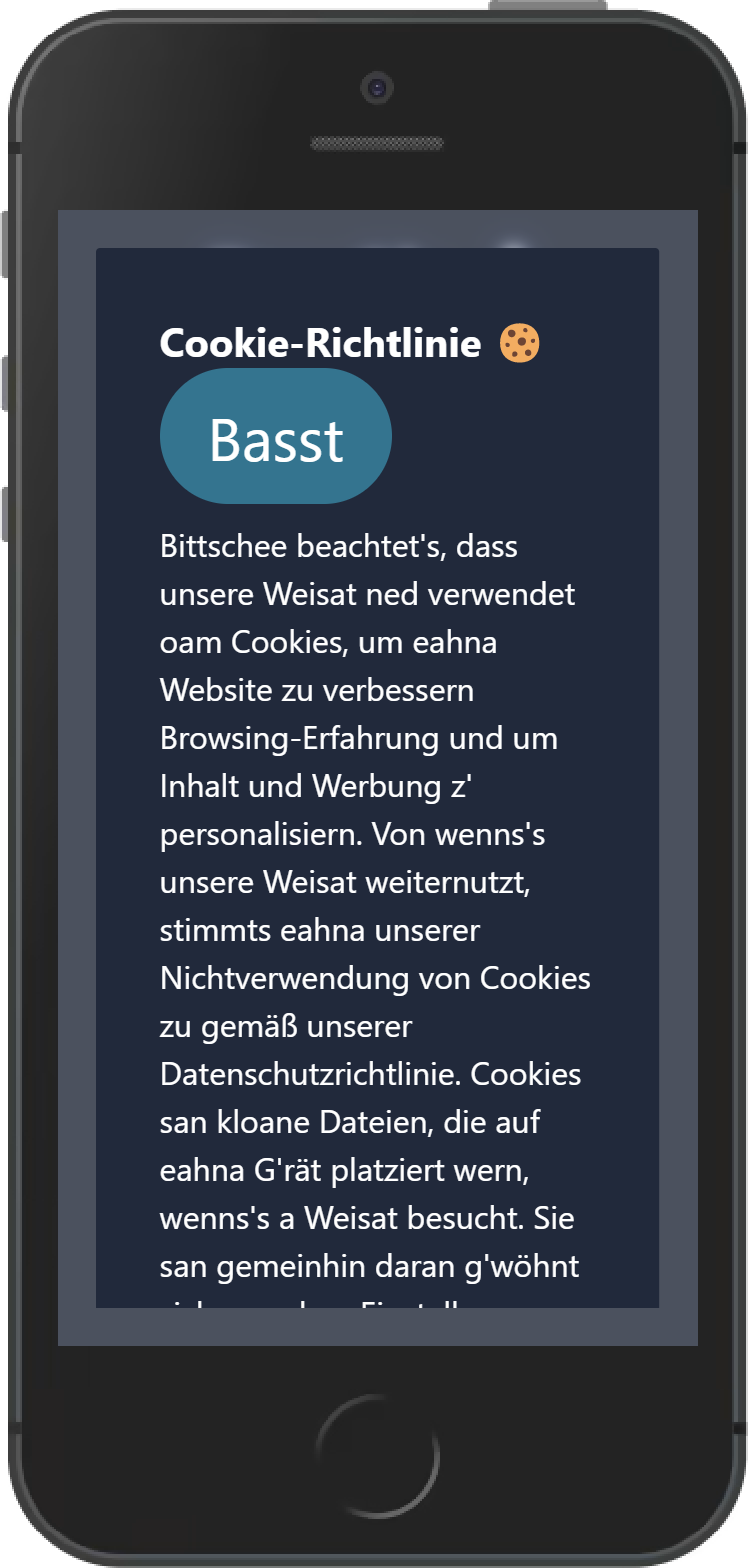
Every uncomfortable app needs an awfully long cookie disclaimer with no obvious decline button. Literally every time a user opens the app, a cookie disclaimer is shown. It explains exactly how we don’t use any cookie data. While the big accept button is visible at the top, the small decline button is located at the very bottom.
| Cookie Disclaimer (Dark) |
|---|
 |
Big Fat Button
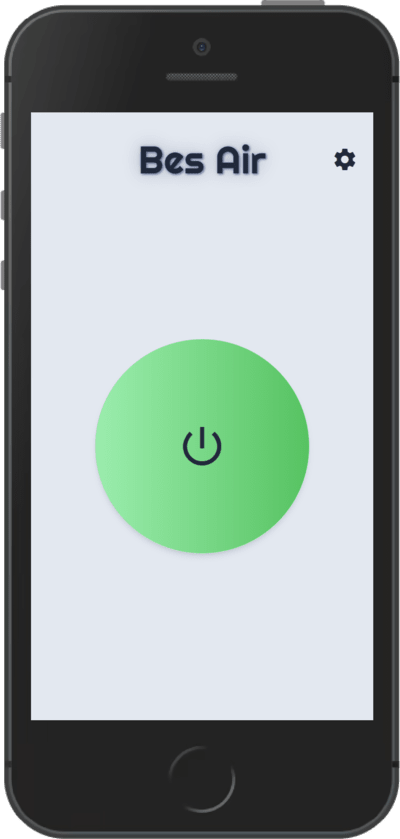
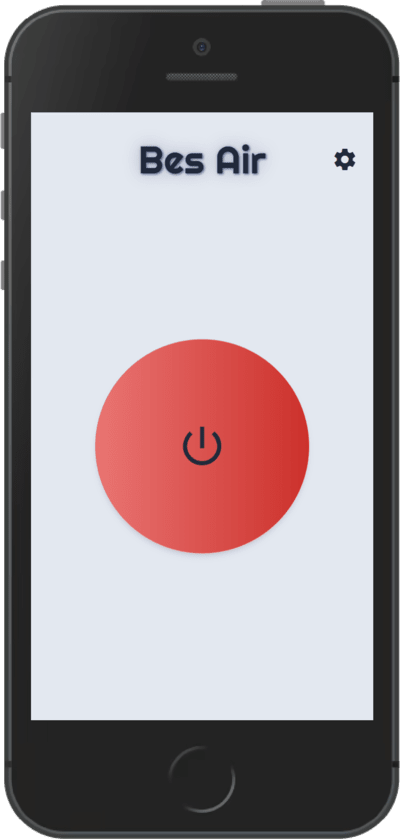
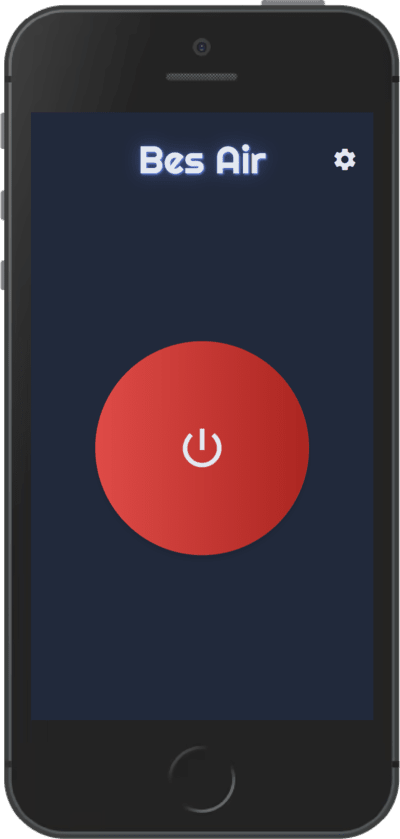
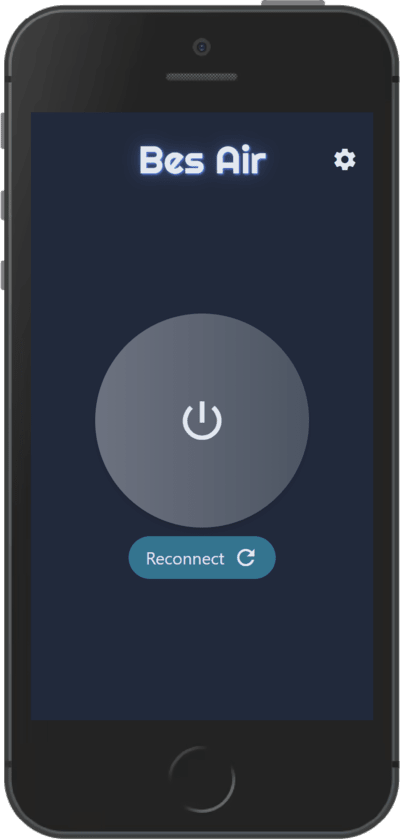
This clearly important button turns the device on or off. It also communicates to the user when the Bes Air lost connection.
| Turn On (Light) | Turn Off (Light) |
|---|---|
 |  |
| Turn Off (Dark) | Reconnect (Dark) |
|---|---|
 |  |
App Settings
Language
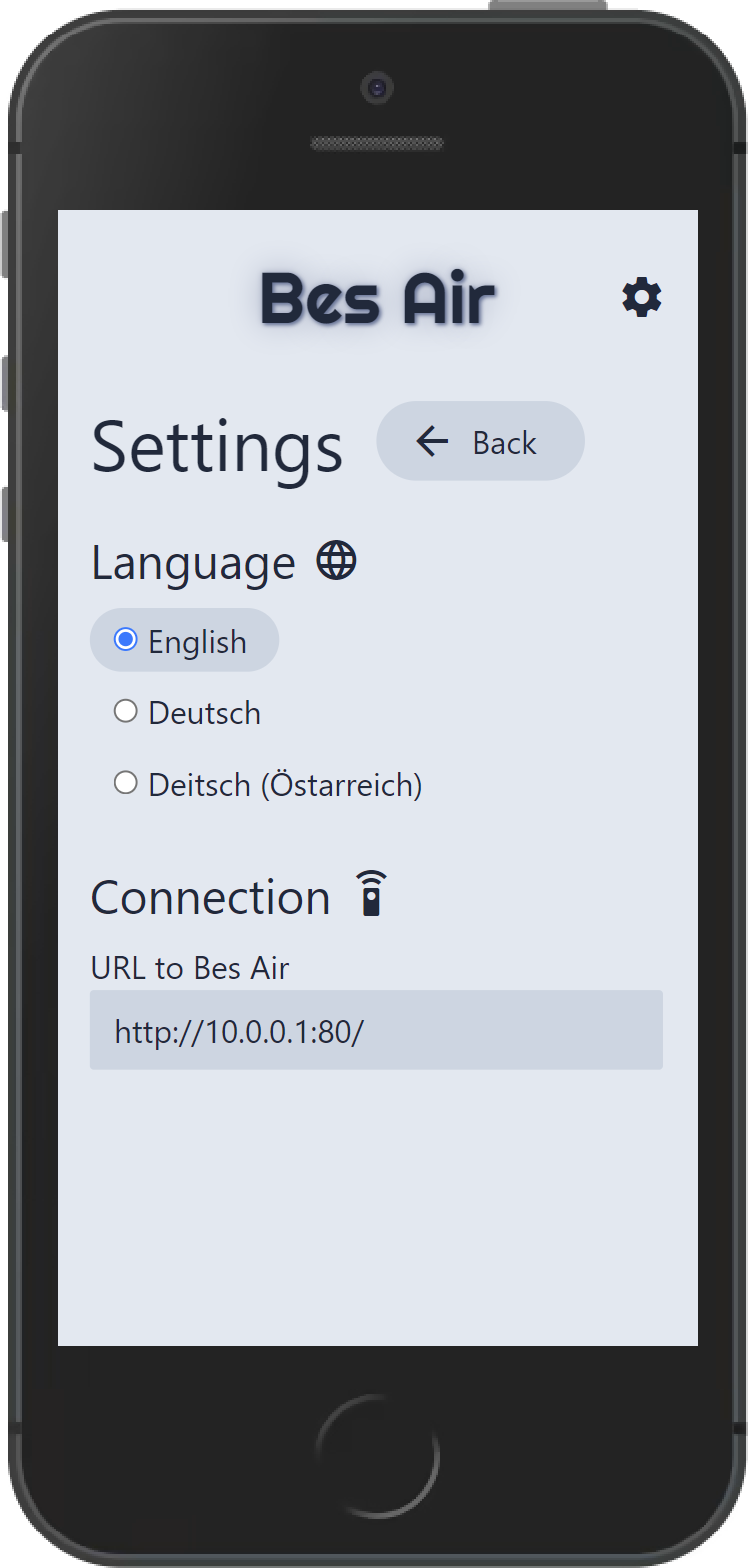
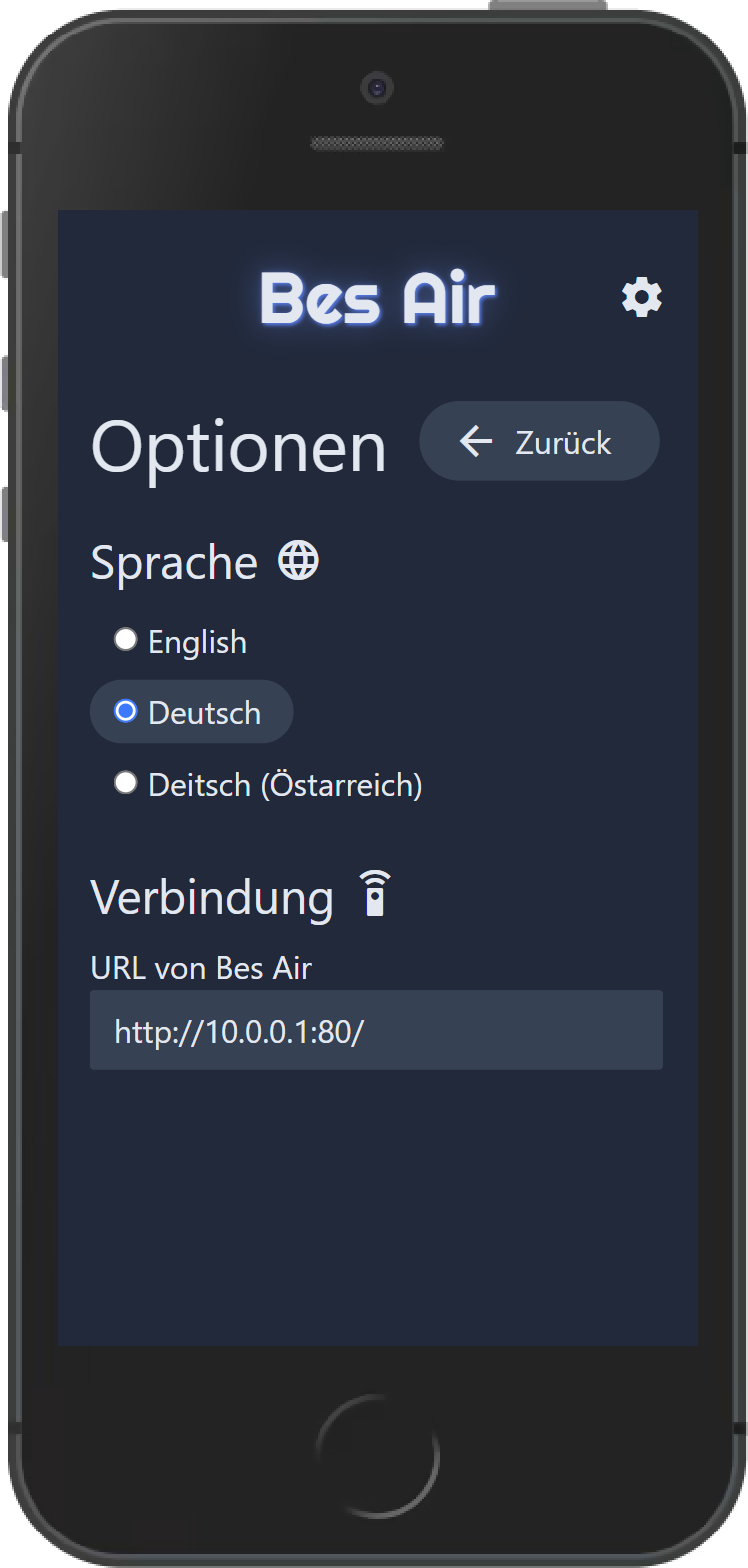
The app language can be switched with radio buttons. Besides German and English we also included Austrian German for a good laugh. For persistency between reloads, the selected language is stored in LocalStorage.
| Dark Mode German | Dark Mode English |
|---|---|
 |  |
Audio Language
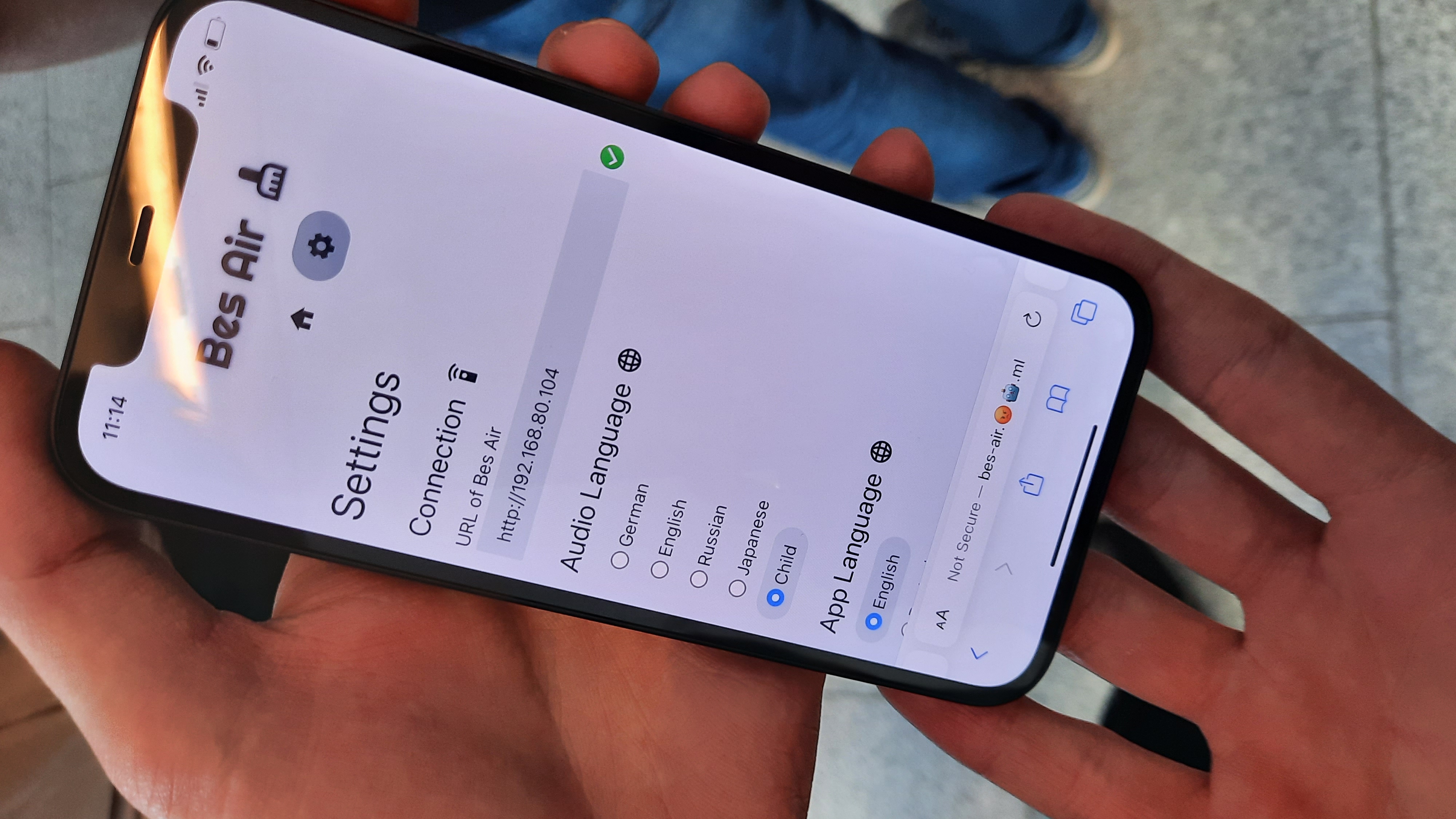
As the Bes Air device speaks to the user, we also provide the option to change the audio language. All options are an English version with a specific accent. So, naturally, you can let the device talk as a child.
Publishing
The App is automatically built by a GitHub Action everytime the source code is changed. The build is then copied into a standard Nginx docker image and pushed to Docker Hub. Afterwards the container running on a server can easily be restarted with the new version of the app.